Challenge:
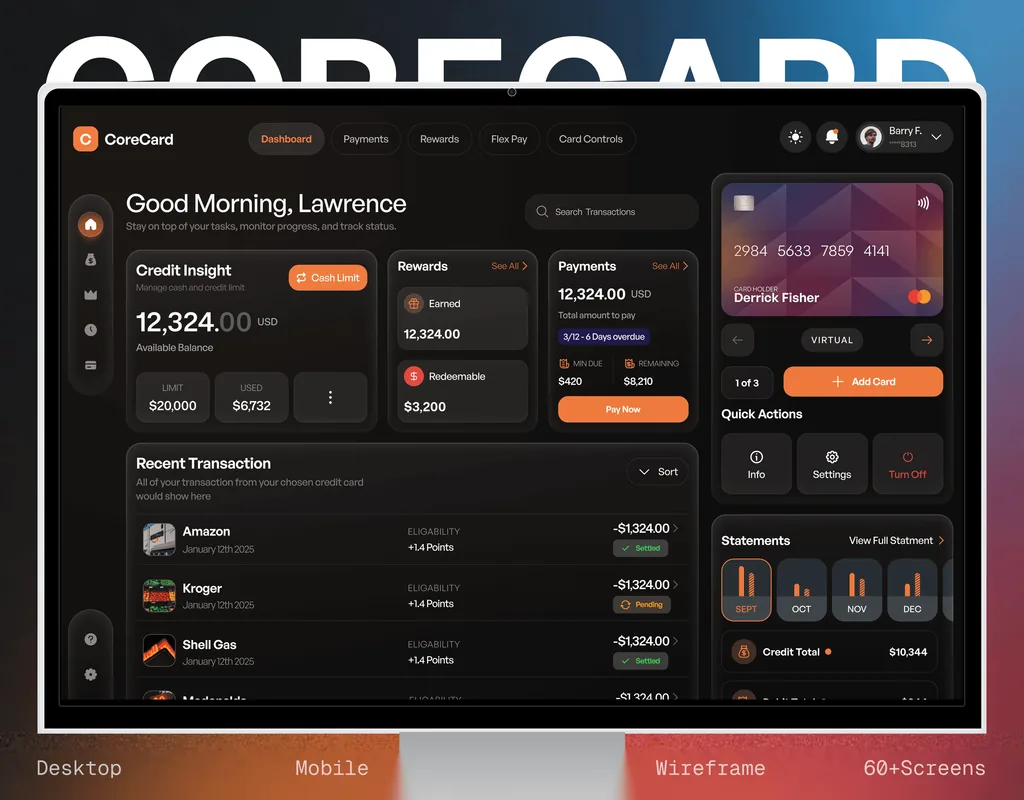
The home screen was one dense table. Every number a specialist needed was on it and none of it led: the pay period, the target, the bonus estimate and the list of claimable jobs all carried the same weight, so the question people actually open the app with, am I going to hit my bonus, took reading rather than looking.
The manager's side had the same flatness. Clearing a pay period meant checking a claim against the job behind it somewhere else, which is slow work to do fortnightly and easy to wave through.
Approach:
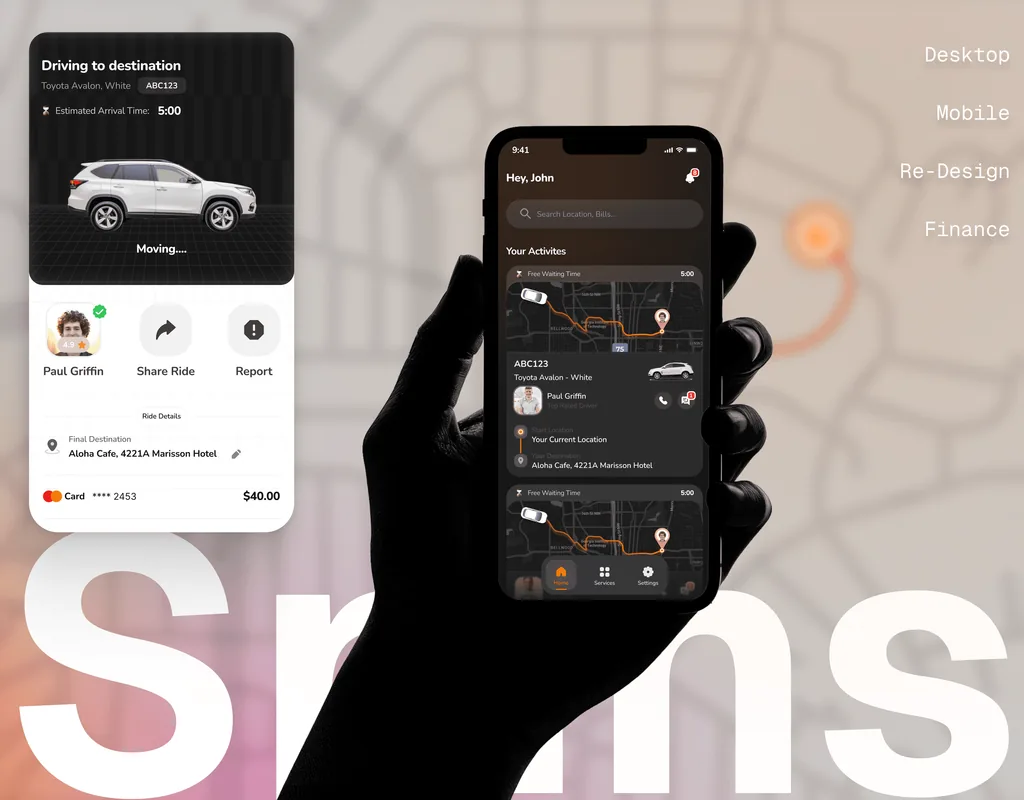
I rebuilt the employee home around the order a specialist actually reads in: the last five pay periods as a chart, the target as a bar they are moving along, the bonus estimate priced three ways, and only then the finished work, with a running total on the claim button itself. Nothing is typed, because the jobs arrive on their own.
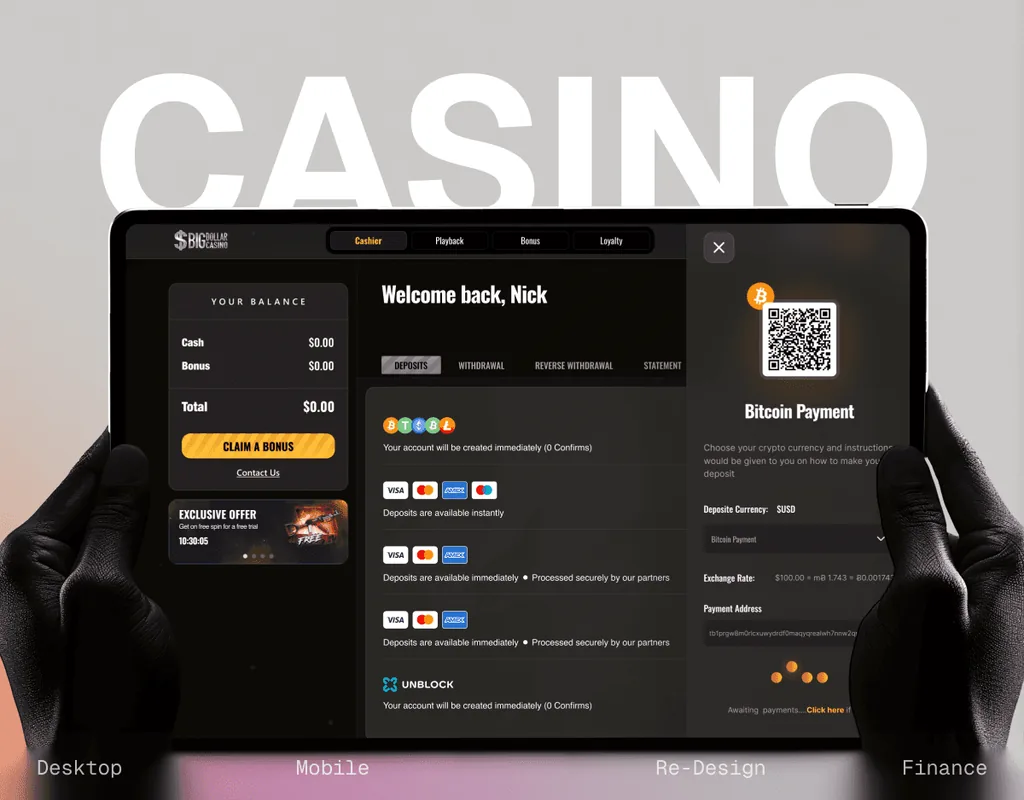
The manager's side was built as its mirror: review work, approve bonuses, close and reopen a period, with setup for people, targets, clients, fees, rates and pay periods behind it. The states that usually get skipped were drawn rather than assumed, so empty, loading, failed, late, withdrawn and closed-period all exist.
Results:
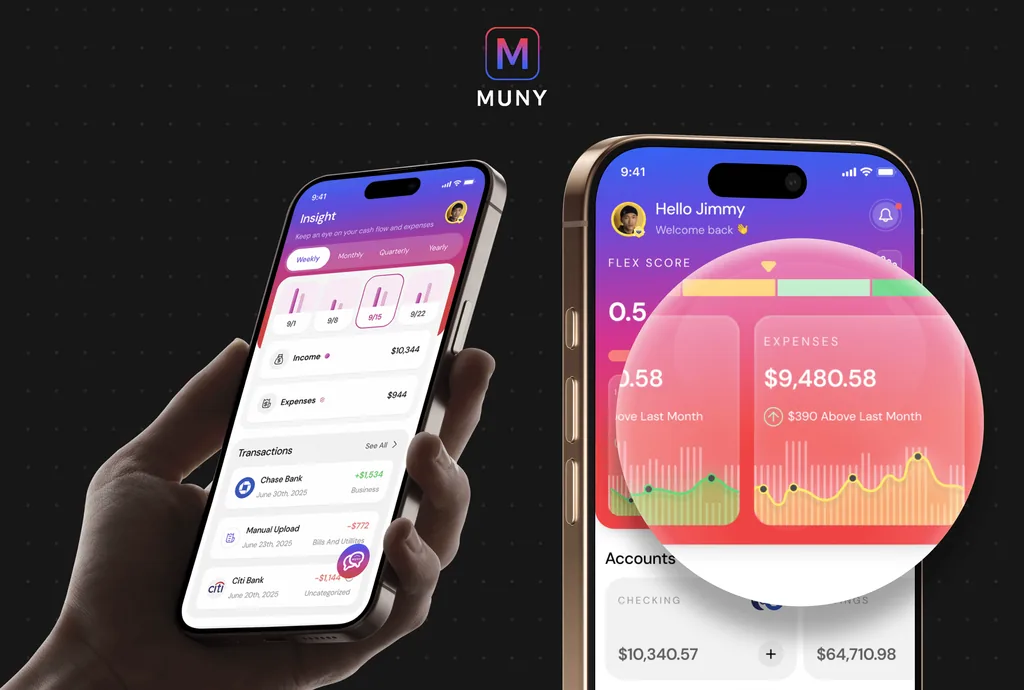
67 screens across sign-in, my work, my clients, review work, approve bonuses, setup and account, covering both sides of the product, plus a style guide and the user flow behind it. It went over as a clickable prototype rather than a deck, so the brief could be read by using it.